Designed for e-ink
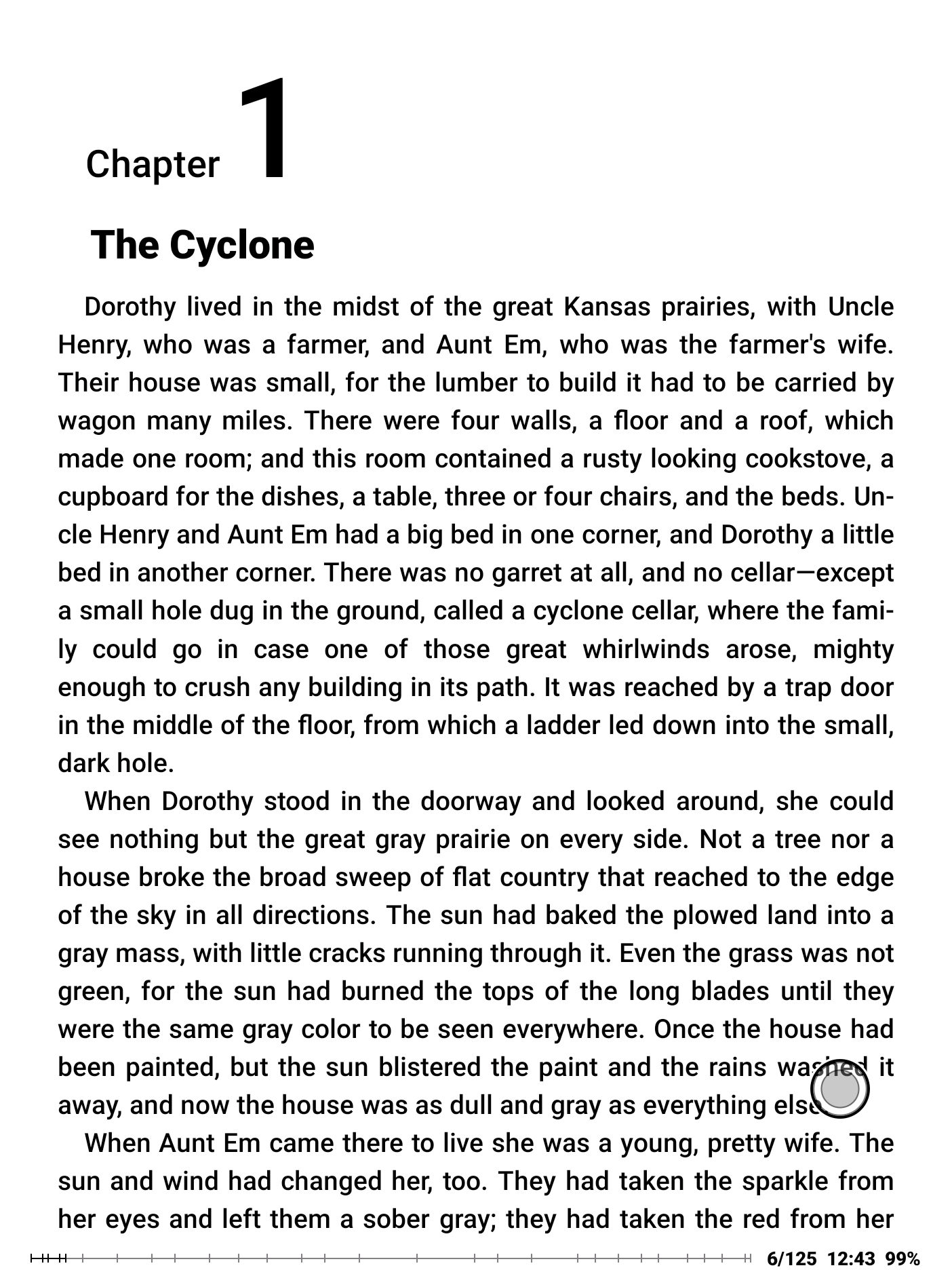
DinoReader runs the FBReader parsing and rendering engine, but the interface is developed specially for e-ink screens. It is optimised for high-contrast colours and fewer clicks, and has no animations or visual effects unsuitable for e-ink. On the other hand, we use hardware optimisations where possible to provide a modern experience on new, faster screens.
Read books of your choice, from any source
Copy your files onto the device and read them. You do not need to register, convert them, or look for approval.
DinoReader opens EPUB, PDF, FB2, and other book formats. You can read unprotected books as well as EPUB and PDF books protected with the Readium LCP standard.
For online catalogues, DinoReader supports OPDS 1.x and 2.0. You can add any source, including bookshops and public libraries, and access book catalogues directly from your device. DinoReader is integrated with the Readino bookshop through OPDS, so you can buy books and access your purchases from the application. You can also add your own catalogues, or disable Readino access if you do not need it.

With DinoReader, you are not locked into an ecosystem: no single bookshop and no single reader. You always have a choice.
It works with FBReader
Being a sister project to FBReader, DinoReader adopts many features from its big brother.
DinoReader can synchronise your books, reading positions, and bookmarks with the FBReader Book Network. If you use FBReader on desktop or mobile, DinoReader is an e-ink companion for you. Open a book on your computer, then continue reading it on your e-ink device, and vice versa.
Reading aloud
Another feature inherited from good old FBReader is integration with the system text-to-speech engine. DinoReader can read your books aloud in every supported format except comics, and this costs nothing.
Please keep in mind that some devices might have no TTS engine at all, or might require installing additional voices.
What DinoReader does not do yet
DinoReader lacks integration with dictionaries and online translators at the moment. It may come; we are considering different options. If it is built on external services, it may not be free. If we add translation or explanation as a paid feature, DinoReader itself will remain free.
What does it cost?
Nothing. DinoReader is free to download and free to use. There are no subscriptions and you don't need an app store account. Download the APK from our site, install it, and start reading. If your device requires package verification by Play Protect, do not worry: DinoReader is registered with Google Play and passes all checks.
Books from Readino are not free if you choose to buy any. In the future, some optional features like translations may use paid third-party services. Using such services can cost money, but they are not necessary for reading.
Where does DinoReader run?
We expect it to work on any e-ink reader running Android 5 or newer. However, there are many unusual devices on the market, and we cannot guarantee that everything will be smooth on all of them. We are testing our app on devices from several manufacturers, colour and monochrome, from pocket-sized readers upwards. Here is a list of tested devices.
- BOOX Nova3 (7.8", monochrome, Android 10)
- BOOX Go Color 7 (7", colour, Android 12)
- inkBOOK Calypso Plus (6", monochrome, Android 8.1)
- inkBOOK Solaris Color (6", colour, Android 11)
- Moaan inkPalm Plus (5.84", smartphone-shaped, monochrome, Android 11)
- Mudita Kompakt (4.3", smartphone-shaped, monochrome, Android 12)
- Viwoods AiPaper Reader (6.13", smartphone-shaped, monochrome, Android 16)
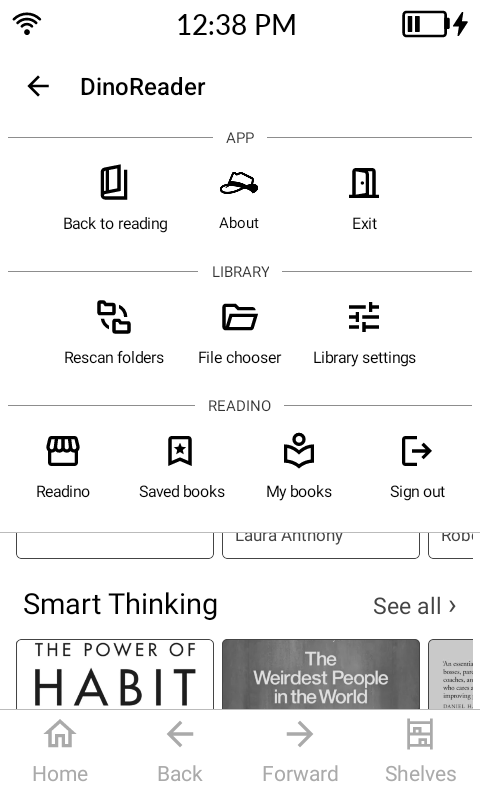
Also reported working by DinoReader users
We received feedback from users who are successfully running the app on the following devices:
- Bigme B6 Black & White (6", monochrome, Android 14)
- BOOX Go 6 (Gen II) (6", monochrome, Android 11)
- XTEINK S4 (4.3", monochrome, Android 11)
If you run DinoReader on another device and experience any issues, or know that it works fine, please let us know. We would be happy to fix specific issues, or add your device to the list of user-confirmed hardware.
If your device uses an open e-ink platform other than Android, we are interested to know about it. Perhaps one day DinoReader will be available for your device too.